









































Last checked: October 2026.
Short answer
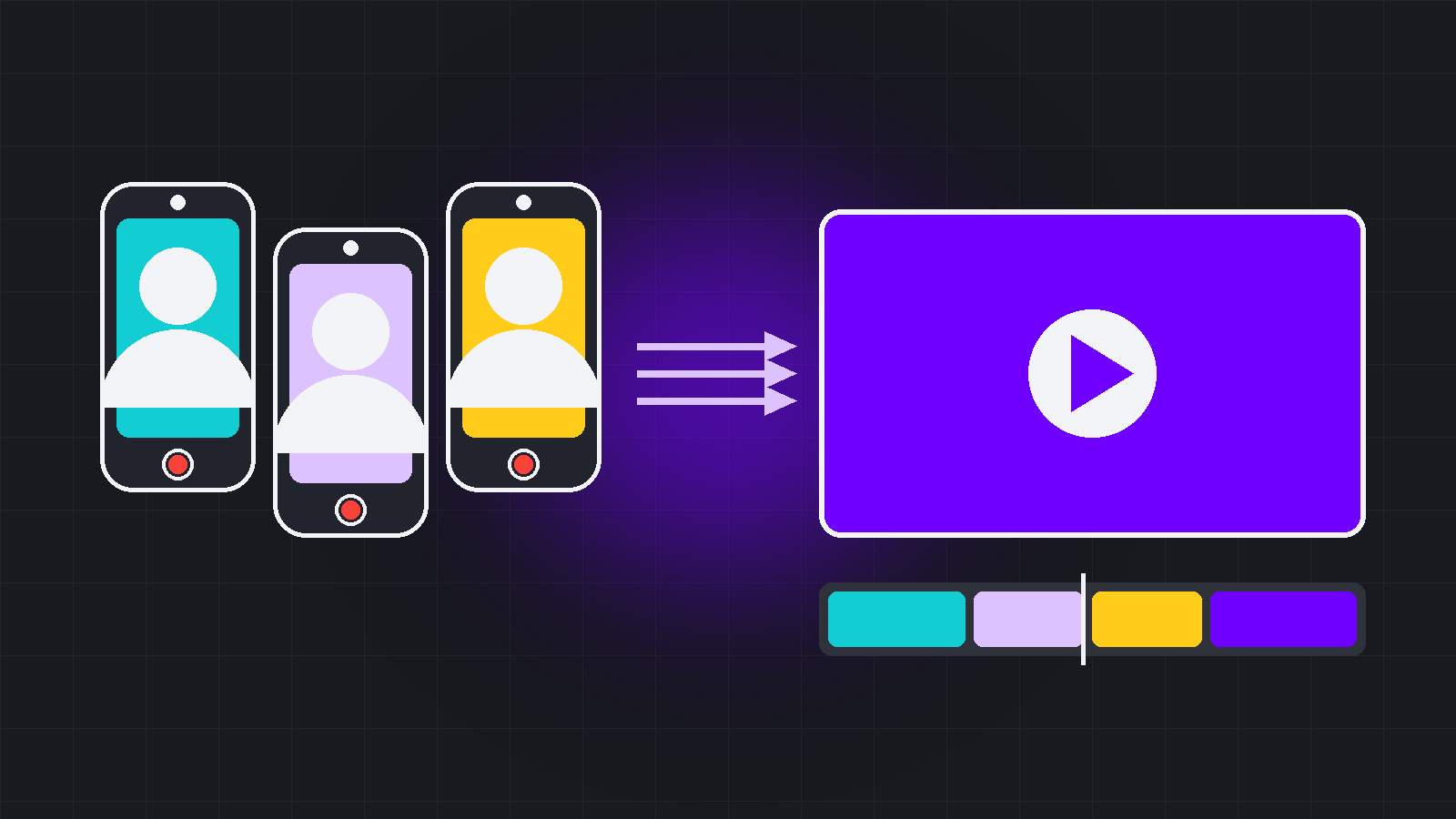
Short answer: send each customer one link, three questions and a 60 to 90 second ask right after a win. Tools collect clips for $0 to $249 a month; a producer-led remote story costs from $5,750. Either way, budget for an edit, because raw phone clips rarely work as sales proof.
Collecting video testimonials remotely is a workflow problem first and a software problem second: the ask, the questions, the link, the consent and the edit. This guide gives a seven-step workflow, 21 price points from 8 vendors read on 25 Oct 2026, a tools-versus-service table and a six-option comparison that includes our own services.
- What Remote Video Testimonials Are and When to Use Them
- The Seven-Step Collection Workflow
- The Three Questions to Send
- Tools vs Producer-Led Service
- What It Costs: Every Price We Read
- Six Options Compared
- How We Picked and Our Disclosure
- Turning Raw Clips Into Sales Proof
- Consent, Rights and Quality Checks
- Frequently Asked Questions
- Verdict
What Remote Video Testimonials Are and When to Use Them
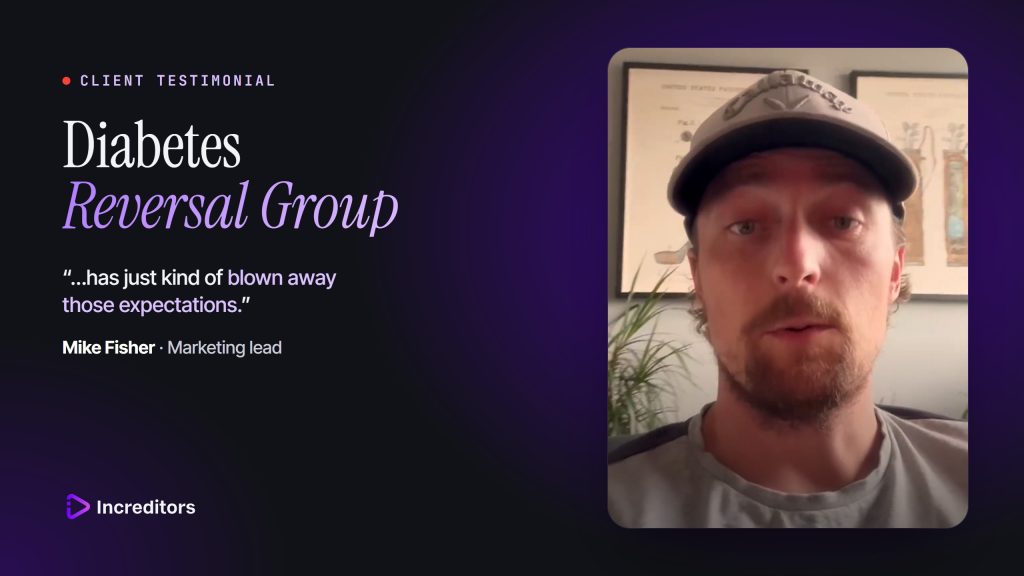
A remote video testimonial is a customer talking about their results on camera, captured without anyone travelling: through a recording link that opens on their phone, or on a video call you record. Testimonial videos are common marketing practice; Wyzowl’s State of Video Marketing 2026 found 57% of video marketers use testimonial videos, behind social videos (69%) and explainer videos (68%) (Wyzowl, survey of 266 respondents, fieldwork late 2025, read 25 Oct 2026). It is a vendor survey covering marketers and consumers, so read it as direction, not proof.
How this guide differs from our other testimonial pages. Our best B2B testimonial video companies ranks companies that make testimonials for you, the testimonial video cost guide prices agency-produced work, the customer call to testimonial guide turns discovery calls into videos and the testimonial video editing guide covers the edit. This guide covers the step before all of them: collecting the footage remotely, and when to use a tool versus a service.
Remote collection fits best when customers are spread across time zones, you need many short testimonials rather than one hero film, or the budget does not stretch to a crew. It fits worst for a flagship customer story where lighting, interview craft and B-roll carry the result; that is a crewed or producer-led shoot.
💡 Definition: A collection tool sends the request and records the clip (Boast, Vocal Video, VideoPeel, Testimonial.to, Senja). A producer-led service interviews the customer for you (Testimonial Hero). An editing team turns whatever was recorded into finished video (Increditors, videoeditingcompany.com). Most teams need a collection method plus an editor.
The Seven-Step Collection Workflow
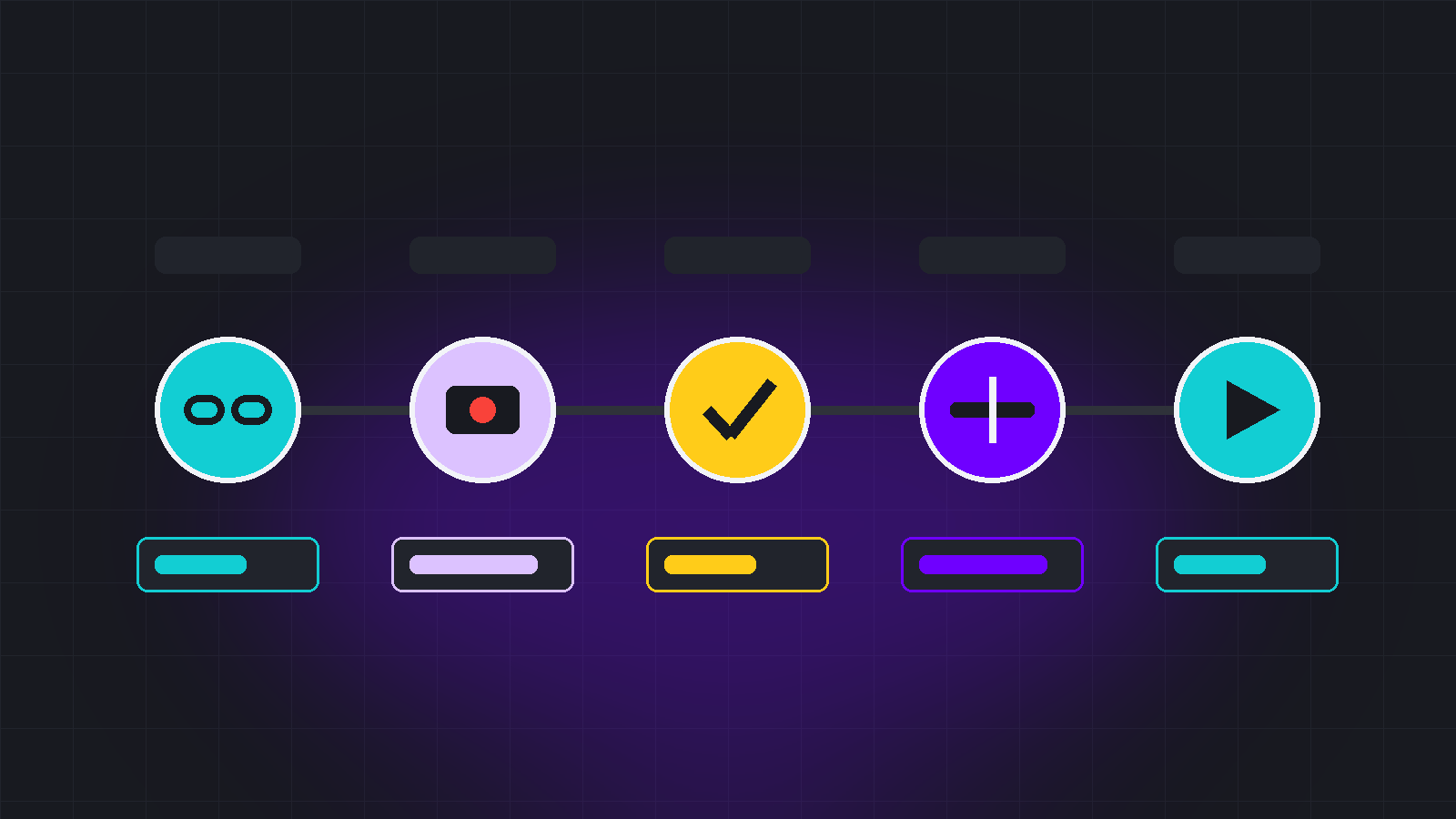
The same seven steps apply to a tool, a service or a plain video call. Times are typical in our experience, not vendor claims.
Two details decide most results: a personal ask from the account owner who has the relationship, and a fallback, because some customers will not record themselves but will say yes to a 15-minute call you record. Tools automate steps 3 and 5; services handle steps 3 to 6.
💡 Pro Tip: Send an example of a good 60-second clip with the request. Customers who see what you want record shorter, tighter answers, which means less cutting later.
The Three Questions to Send
Three questions are enough. Send them in advance and ask for stories and numbers, not praise.
- “What problem were you trying to solve before you used us?” This sets up the before state a prospect recognises.
- “What changed after you started, and what number or example shows it?” This is the proof line. A figure the customer chooses to share, in their own words, is stronger than any copywriting.
- “Who would you recommend us to, and why?” This gives you a closing line and tells the prospect who the product is for.
Add two practical lines: hold the phone horizontally at eye level with a window or lamp in front, and record somewhere quiet. Those remove most problems an edit cannot fix. For turning discovery-call material into a video instead, see the customer call to testimonial guide.
Tools vs Producer-Led Service
Your choice depends on volume, how much you want to manage, and how polished the result must be.
The common mistake is buying a tool and stopping there. A tool gets you footage; it does not make it persuasive. Vocal Video says its AI turns recordings into multi-scene videos with graphics, soundtracks and subtitles, which can be enough for a testimonial wall, while a homepage hero video usually needs a human edit. Compare that cost with the in-house route in in-house editor vs video editing service.
What It Costs: Every Price We Read
Every figure below was copied from a vendor page on 25 Oct 2026 and is shown as published; the page date is given where the page has one; other pages carry no date. Where a vendor shows monthly and annual prices, both are shown. Plans change often, so check the vendor page before you buy.
What the table says. Tools cluster in two bands: light-volume plans (Senja, Testimonial.to, VideoPeel) from $0 to $69 a month, and plans with unlimited video, branding and releases at $99 to $249 a month (Vocal Video, Boast Premium). A producer-led remote story is a different category: from $5,750 buys a produced video, a cutdown and a case study.
Our arithmetic (not a vendor figure). A year of Boast Basic billed monthly is $59 x 12 = $708. One Testimonial Hero remote story at its $5,750 list price is about 8.1 years of that plan (about 6.6 years at the $4,700 its slider shows at 8 or more stories). That compares price tags, not value: the story includes a live producer interview, a cutdown and a case study. Our rule of thumb: pay for a service for the three to five customers a buyer will ask about, and use a tool for everyone else.
📌 Heads up: Tool prices cover collecting and hosting, not editing. Budget one to three days of editor time per batch of clips before you count a testimonial as finished.
Six Options Compared
Six options, each with the same seven fields in the same order. Prices were read on 25 Oct 2026; Clutch ratings are shown only where we could read them. “Not read” means the profile blocked scripted access on 25 Oct 2026, and “not published” means the vendor page does not state it. Increditors and videoeditingcompany.com are our own services, listed first and second (see the disclosure below).
1. Increditors: editing for the testimonials you collect
- Best for: B2B and marketing teams that already collect testimonial footage remotely and need a finished cut, cutdowns and captions
- Pricing: Custom quote after a scoping call; not published here
- Turnaround: 1 to 2 days for short-form edits (per our site); longer edits agreed per project
- Capacity model: Per-project packages or a monthly dedicated team
- Rating: Clutch 5.0 from 12 reviews (logged 24 Oct 2026)
- Based in: Remote-first; offices in the US (Sheridan, WY), UK (London) and UAE (Dubai) (per our About page)
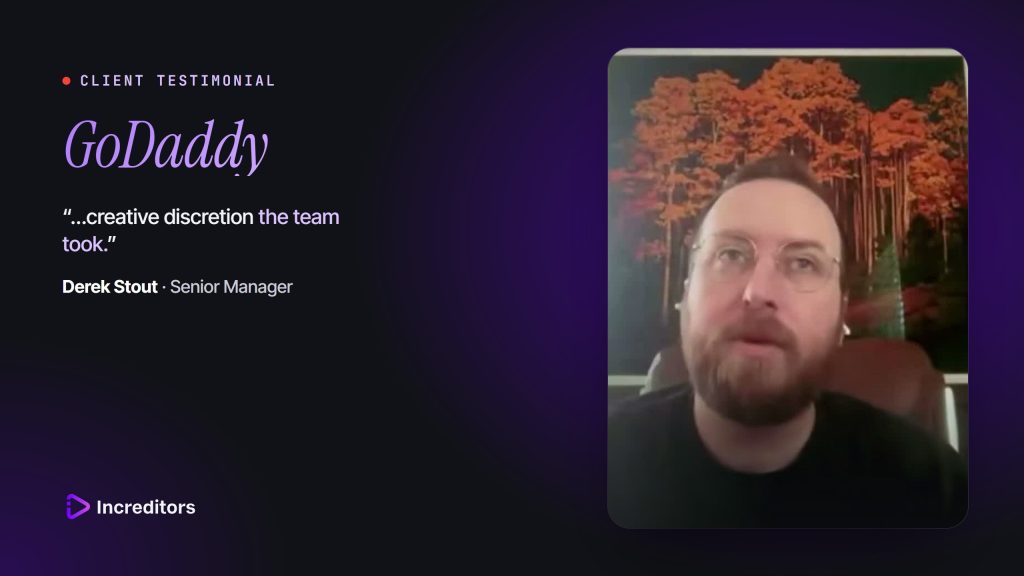
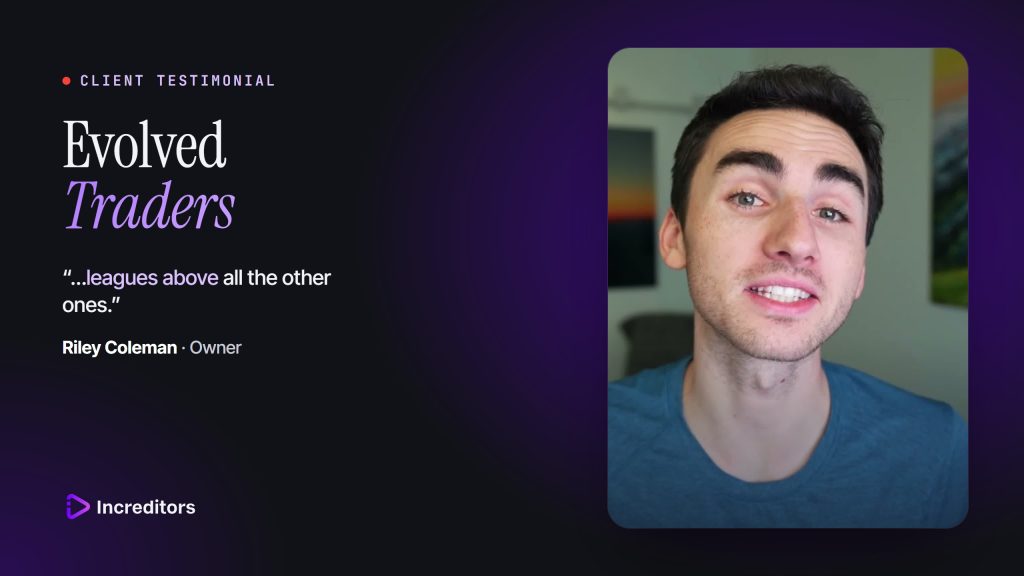
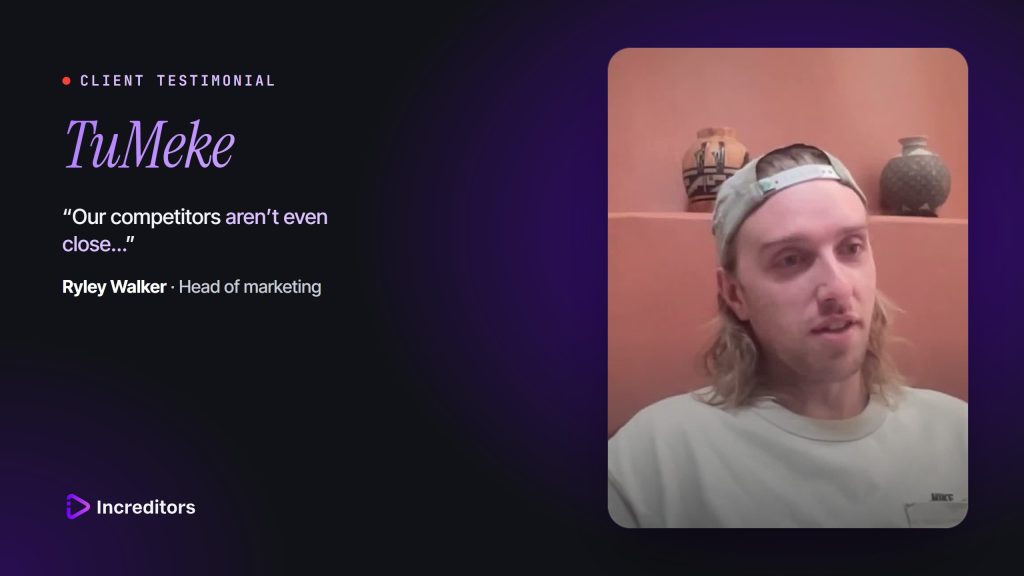
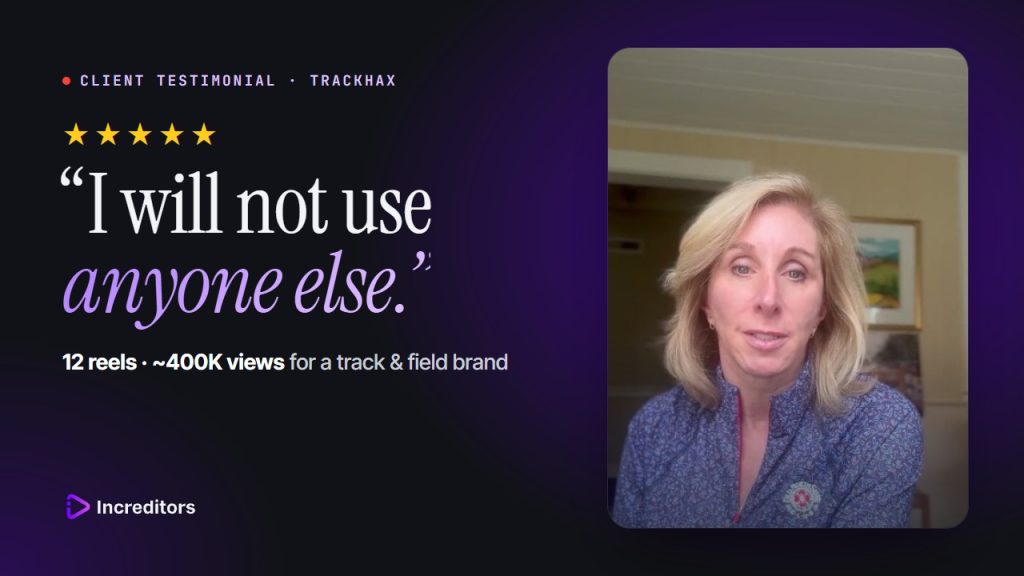
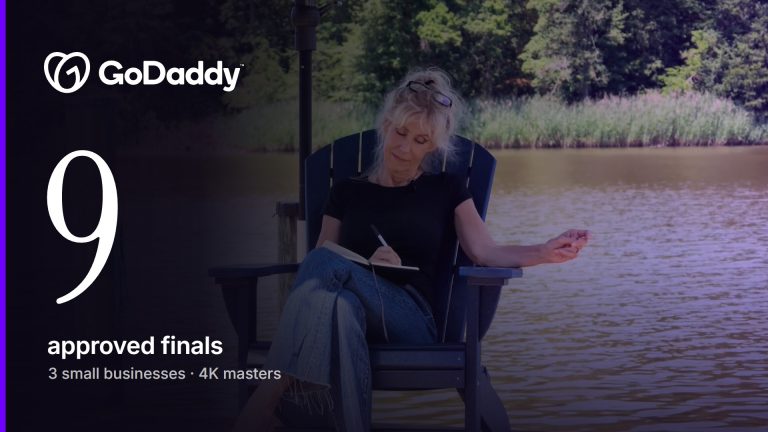
- Named clients: Emerj / The Trajectory, TuMeke, Riley Coleman, Trade with Pat, VYVE Wellness, Dr. Jonathan Tam, GoDaddy pilot, eSafetyFirst, Rhythm Monster
2. videoeditingcompany.com: dedicated monthly editing team
- Best for: SaaS and B2B teams that want a standing team cutting testimonials, demos and clips monthly
- Pricing: Growth $5,000, Core $9,500, Scale $16,000 per month (pricing page, page updated 15 Oct 2026, read 25 Oct 2026)
- Turnaround: 3 to 7 day turnaround per asset (per its site)
- Capacity model: Monthly retainer, dedicated 3 to 5 person team, 10 to 48 assets a month
- Rating: Clutch profile, no reviews yet (logged 24 Oct 2026)
- Based in: Remote team; Clutch lists Sheridan, WY, USA
- Named clients: TuMeke, eSafetyFirst, Emerj / The Trajectory, RecSystems, Blue Zones Health, VYVE Wellness (per its site)
3. Testimonial Hero: producer-led remote and on-site stories
- Best for: Customer-marketing teams that want a done-for-you hero story and cutdown (service page, checked 24 Nov 2026)
- Pricing: from $5,750 per remote story and from $12,190 per on-site story at list price, with volume savings up to 25% and the rate locked for 12 months; its pricing-page slider (checked 24 Nov 2026) shows remote savings of 7% at 2 stories, 13% at 4 and 18% at 8, and on-site savings of 7% at 1 story, 13% at 2, 18% at 4 and 22% at 7, so the discount depends on how many stories you buy (pricing page, checked 24 Nov 2026)
- Custom package: Beyond the two bundles it sells a custom package that mixes videos (full stories, single-topic and long-form videos, VSLs), cutdowns and written stories (AEO case studies, traditional case studies, one-pagers), captured remote, on-site or by self-capture, mixed as needed, with the same volume savings and a quote after an intro call; Testimonial Hero is part of the Storysnap family, which also includes Product Hype for SaaS product and brand videos (pricing page, checked 24 Nov 2026)
- Turnaround: First videos within 2 weeks of filming and most projects wrapped in about 30 days on its service page, 45 days end to end on its pricing page, depending on customer scheduling; 30 to 45 minutes of customer time per remote interview (per its site and FAQ, checked 24 Nov 2026)
- Capacity model: Prepaid credits and story bundles, with a quarterly payment option on most plans and credits that work across the Storysnap agencies; one interviewee per remote interview, up to two on site
- Rating: G2 4.9 stars as shown on its homepage (checked 24 Nov 2026); review count not shown on the page, G2 profile not read
- Based in: Boston, MA, USA (per its page footer)
- Named clients: Intercom, HubSpot for Startups, NinjaOne, Sprinklr, Capriotti’s, Fourth (customers page, checked 24 Nov 2026)
4. Vocal Video: automated remote collection with AI editing
- Best for: Teams that want link-based collection and auto-generated branded videos at volume (pricing page, read 25 Oct 2026)
- Pricing: Free; Essential $99, Pro $149, Scale $249 a month billed yearly; Enterprise from $1,250
- Turnaround: Videos generated automatically after each submission (per its site)
- Capacity model: Subscription by plan; free plan capped at 5 published videos
- Rating: Not read (G2 and review-site profiles blocked scripted access)
- Based in: Not stated on the pages we read
- Named clients: Vendor states 25,000+ companies; logos were not read
5. Boast: request automation and video testimonial forms
- Best for: Small teams that want automated email and text requests plus widgets (pricing page, read 25 Oct 2026)
- Pricing: Basic $50, Team $100, Premium $208 a month annual ($59, $119, $249 monthly); Enterprise custom
- Turnaround: Self-serve; plan table lists in-app trim, cut and reorder
- Capacity model: Response limits: 50 / 150 / 500 a month by plan
- Rating: Not read (G2 and Capterra profiles blocked scripted access)
- Based in: Not stated on the pages we read (support hours listed in EST)
- Named clients: Vendor states 10,000+ organisations; logos were not read
6. Testimonial.to: testimonial walls with video collection
- Best for: Founders and SaaS teams that want a public testimonial wall (pricing page, read 25 Oct 2026)
- Pricing: Free; Starter $25, Ultimate $50, Ultimate+ $95 a month per space (billed annually)
- Turnaround: Self-serve; unlimited video only from Ultimate; AI video editor on Ultimate+
- Capacity model: Subscription per space; 2-minute video limit on Free and Starter, 5 on Ultimate and above
- Rating: Not read (review-site profiles blocked scripted access)
- Based in: Not stated on the pages we read
- Named clients: Vendor states 50,000+ businesses; logos were not read
Also read: VideoPeel (rights management from $69 a month, AI clipping from $149) and Senja (testimonial import from 35 sources and AI videos, $29 to $59 a month), both priced in the table above. Lemonlight’s interview-led testimonial video starts at $2,500 with a 3 to 8 week timeline (testimonial page, read 25 Oct 2026); it is production-led rather than a remote collection method.
How We Picked and Our Disclosure
Criteria. We included options that (1) publish a price or a starting price on a live page, (2) support remote or customer-recorded video testimonials, and (3) have a checkable product or service page. We recorded fields as each vendor states them and marked anything we could not read. Increditors and videoeditingcompany.com appear first and second as our own services; the other four follow in no ranked order.
Data date and method. Prices were read from live vendor pages on 25 Oct 2026; Testimonial Hero’s pricing, FAQ, customers and service pages were rechecked on 24 Nov 2026 with JavaScript rendered, including its volume-savings slider. The dataset has 21 price rows from 8 vendors, each with its source URL. We did not average, convert or estimate any figure; the one comparison in the cost section is plain multiplication and labelled as ours. G2, Capterra and Trustpilot block scripted reads, so we publish no ratings for the tools. Our Clutch figures were logged 24 Oct 2026.
Disclosure. This guide is published by Increditors, a video editing agency, and includes our own services. Testimonial Hero, Vocal Video, Boast, Testimonial.to, VideoPeel, Senja and Lemonlight sell what they price, so their pages describe their own product. Video Editing Company is a division of Increditors according to its own About page. We do not publish Increditors prices in this guide.
Turning Raw Clips Into Sales Proof
A customer-recorded clip is authentic and rough. The edit makes it usable, and collection tools leave it to you. A good testimonial edit does six things:
- Audio first. Remove hiss, level the voice and cut dead air.
- Cut to the proof line. Keep the answer to question 2 and trim the warm-up and repeats.
- Add captions. Most social and ad placements play without sound.
- Brand lightly. A lower third with name, role and company, and a logo end card.
- Cut versions. A 60 to 90 second story for the site, a 15 to 45 second clip for LinkedIn or ads, and a one-sentence quote card for email.
- Deliver the right frames. 16:9 for the site, 9:16 and 1:1 for social.
Our testimonial video editing guide walks through how we do this for client stories, and the video post-production checklist lists every check before delivery. The video below is the TuMeke testimonial we edited; see the TuMeke case study. More client work is on our case studies page.
Consent, Rights and Quality Checks
Get permission in writing before a testimonial goes live and keep it with the file. It should cover the customer’s name and role, the company, the channels and countries where the video may run, how long you may use it, and whether you may cut shorter versions. If the customer has a comms or legal team, ask who must approve it before you invest in the edit.
Some tools help. Vocal Video lists custom legal releases on its pricing page and VideoPeel lists rights management on its Pro plan. Neither replaces your own legal review. This is general guidance, not legal advice.
Before publishing, check that the name, role and company match what the customer approved, that every claim is something they said, that captions get product names and numbers right, and that the consent and usage period are on file.
Frequently Asked Questions
What is a remote video testimonial?
A customer recording of their experience captured without a crew, usually on their own phone or laptop through a link, or on a video call you record. Tools such as Vocal Video and Boast automate the request; services such as Testimonial Hero run a producer-led remote interview.
How do I get customers to record a video testimonial?
Ask right after a win, send one link that works on a phone with no download, say it takes about two minutes and give three short questions. Thank them and say how the clip will be used. Tools with reminder sequences, such as Boast, automate the follow-up.
How long should a video testimonial be?
Collect 60 to 120 seconds and publish a tighter cut. Testimonial Hero’s bundle formats are a 90 to 120 second full story and a 6 to 45 second cutdown for ads and social (its custom packages add long-form videos and VSLs), and tool limits run from 2 to 15 minutes per recording (Testimonial.to 2 minutes on Free; Boast up to 15 minutes on Premium).
How much does it cost to collect video testimonials?
On the vendor pages we read on 25 Oct 2026, self-serve collection tools run from $0 to $249 a month (Boast $50 to $249, Testimonial.to $25 to $95, Vocal Video $99 to $249 billed yearly, VideoPeel $9.99 to $149, Senja $29 to $59), while a producer-led remote story is from $5,750 (Testimonial Hero, rechecked 24 Nov 2026). Editing and cutdowns are extra with most tools.
Do I need written permission to publish a customer testimonial?
Get written consent before you publish, covering where and for how long the video can be used. Some tools build this in: Vocal Video lists custom legal releases and VideoPeel lists rights management. This is general guidance, not legal advice; ask your counsel about requirements in your market.
Should I use a tool or hire a service?
Use a tool for volume at low cost when customers are happy to record themselves. Use a producer-led service for a few flagship stories where interview quality matters. Either way, plan an edit: raw phone footage needs audio cleanup, trimming, captions and branding.
Verdict
Treat remote testimonials as a repeatable process, not a one-off. Pick five customers with a clear result, send one link with three questions, follow up twice and collect consent. Use a tool for volume and a producer-led service only for the stories a buyer will actually ask about, and plan an edit for every clip you publish.
If you already collect testimonial footage and want it cut to a professional standard, you can book a call with our video editing agency. Read the full testimonial video editing guide for how the edit works.
Changelog: 25 Oct 2026 – first published; 21 price points from 8 vendors read on live pages.
About the author
Increditors Team
The Increditors editorial team is made up of working video editors and producers at a video editing agency that has delivered 1,700+ videos for 340+ clients. We publish buyer guides from live vendor pages and say clearly when our own services are included.
Customer Footage Ready to Cut?
Tell us about your project and we will put together a custom plan.
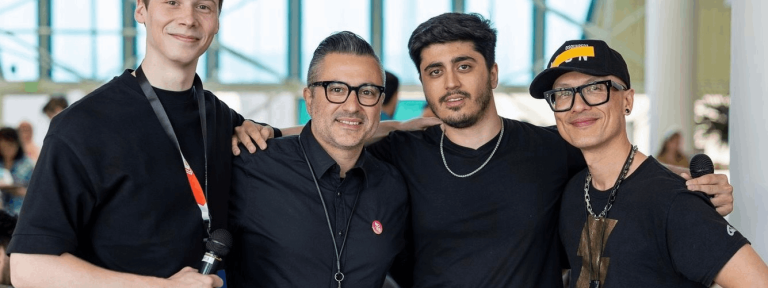
Clients, on camera